How to check the battery when buying a used smartphone: expert tips
Buying a pre-owned smartphone requires careful battery inspection. Experts explain how to identify worn-out components to avoid performance issues.
 💡Tech
Photo: UNIAN
Key points
- Battery health verification
- Identifying signs of repair
- Using system diagnostics
Purchasing a used smartphone is a common way to save money, but a pristine exterior can often hide a degraded battery. Experts warn that the battery is the most critical component in a used device, directly impacting both performance and overall reliability.
Visual inspection and software diagnostics
Before finalizing a purchase, it is essential to look for physical signs of tampering. Poor display alignment or marks on the bottom screws suggest the device may have been opened for repairs. For iPhone users, the settings menu provides a specific section to view the history of parts and service, which is a key tool in verifying the device's authenticity.
- Check the internal settings for any warnings about unrecognized parts.
- Inspect the device for signs of improper assembly or mismatched screws.
- Always ask for service documentation if the seller claims the battery has been replaced.
Using low-quality, non-original batteries often leads to overheating, rapid discharge, and sudden shutdowns during heavy usage or cold weather. By utilizing built-in diagnostic tools, buyers can ensure they are investing in a reliable device rather than one that will require expensive repairs shortly after purchase.
Source UNIAN — unian.ua/techno/gadgets/yak-pereviriti-akumulyator-u-vzhivanomu-tel… ↗
Read next
 🇺🇦Ukraine
Lithuania denies Russian accusations of using its airspace for drone attacks
The Lithuanian Ministry of Foreign Affairs has officially refuted claims by Russian authorities regarding alleged drone launches from its territory toward the Kaliningrad…
 🎭Culture & Sport
Kitchen Trends: Modern Design Solutions for a Cozy Home
Interior designers are moving away from bulky dining sets in favor of compact, café-style arrangements that maximize space.
 🛡️Security
Explosions and smoke reported in Russia's Krasnodar following drone attack
Krasnodar faced a drone attack on the night of November 22, resulting in explosions and flight restrictions at the local airport.
 🇺🇦Ukraine
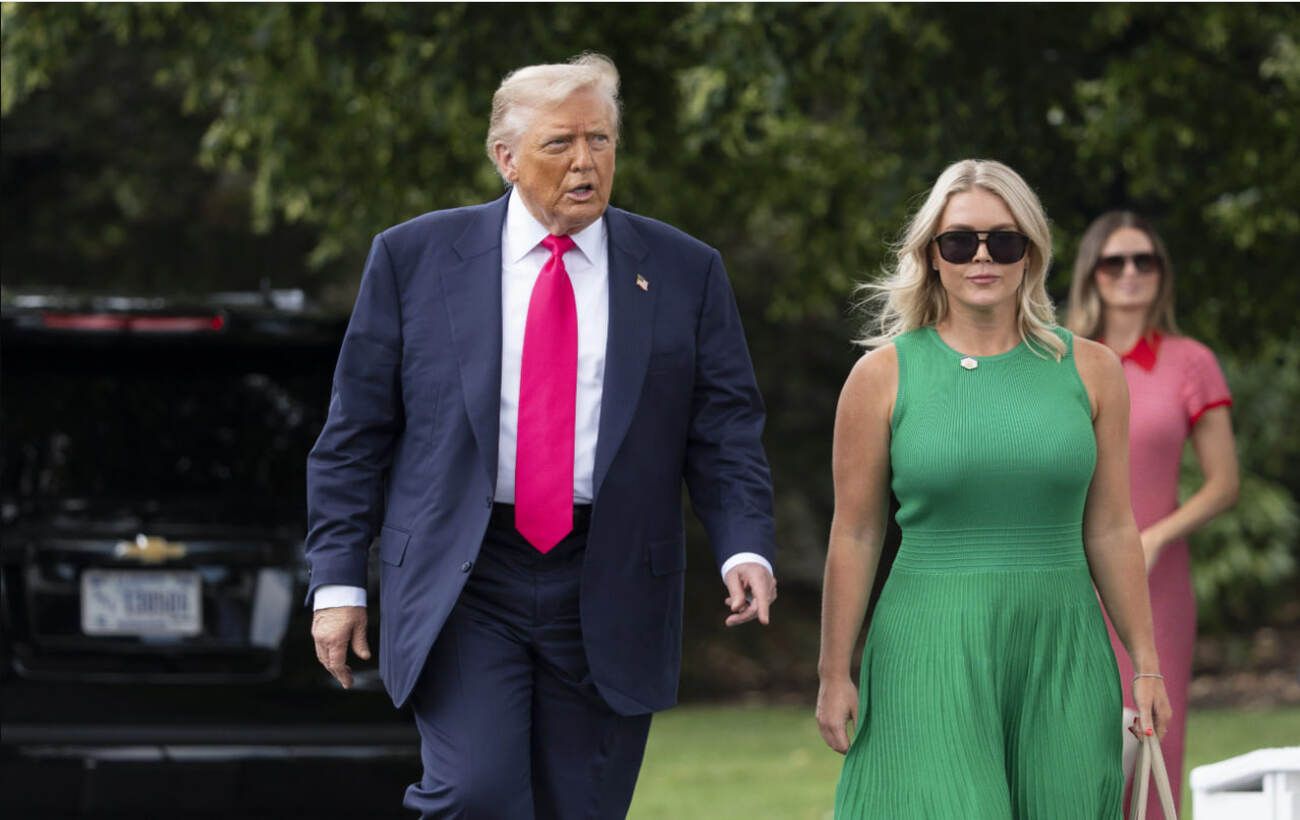
Donald Trump jokes about White House press secretary's departure for maternity leave
President Donald Trump commented on the resignation of Caroline Leavitt, who left her post to focus on her family.
 🎓Education
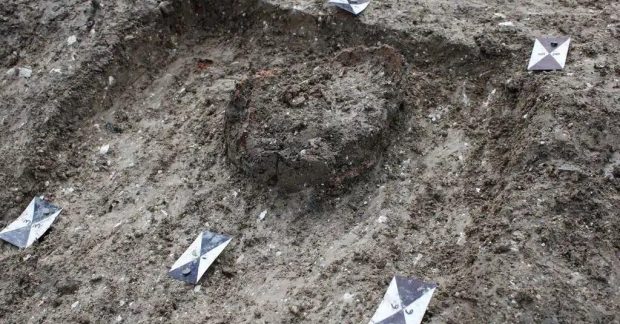
Archaeological discovery in Britain: unique Roman-era infant burial
British archaeologists have discovered an atypical infant burial in a ceramic vessel, dating back to the 3rd–4th centuries AD.
 🎭Culture & Sport
Secrets of Japanese Hair Care: Expert Tips for Scalp Health
Japanese hair care methods focus on scalp health and gentle hair handling. We explore the key techniques that help achieve shine and strength.